Simple RTC Alarm
Materials
AMB82-mini x 1
Example
This example demonstrates how to use the RTC library methods to create a RTC Alarm, so that to do some tasks when an alarm is matched. In particular, the RTC time is set at 16:00:00 and an alarm at 16:00:10. When the time matches, “Alarm Match” information will be printed on the serial monitor.
First, select the correct Ameba development board from the Arduino IDE Tools -> Board
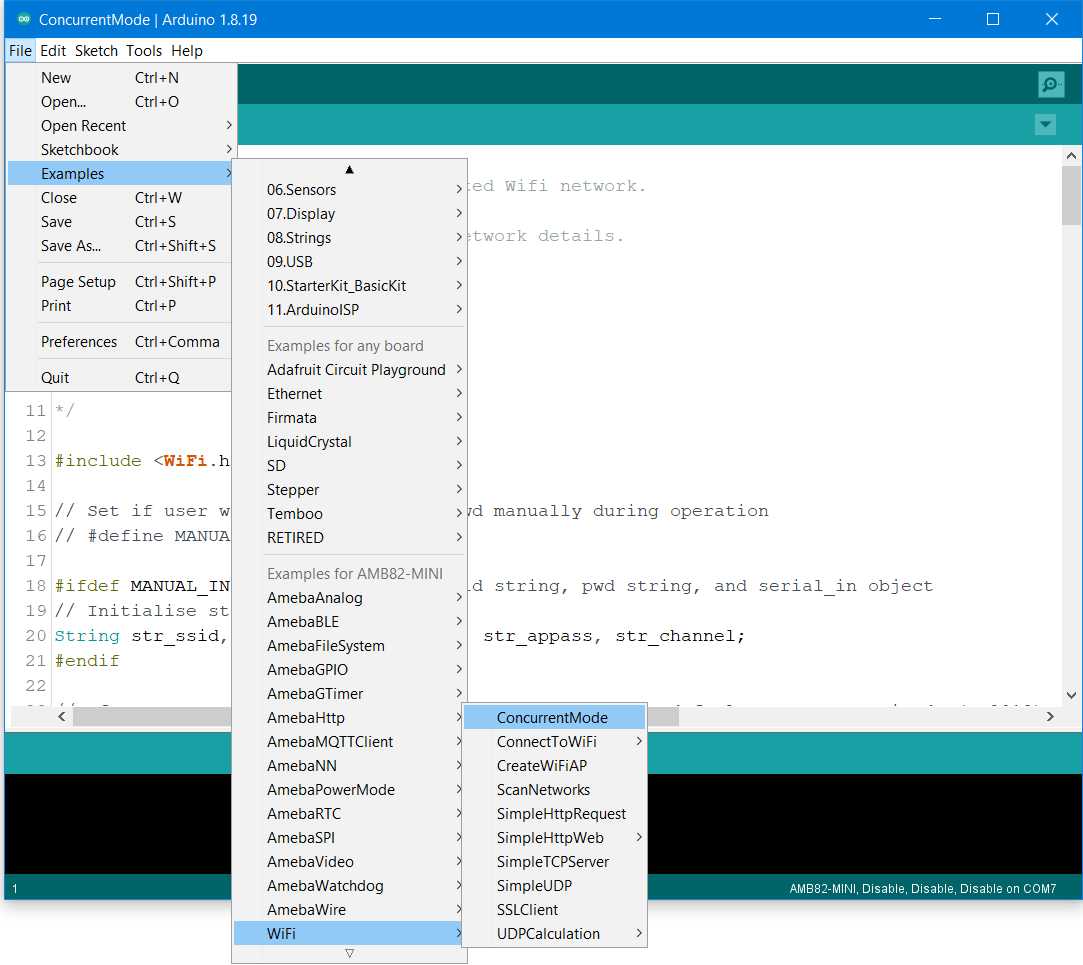
Then open the “RTCAlarm” example from File -> Examples -> RTC -> Simple_RTC_Alarm
In the example, the RTC time is set at 16:00:00 and an alarm is set at 16:00:10. Upon successfully upload the sample code and press the reset button. When the alarm time (10 seconds) is reached the attached interrupt function will print the following information: “Alarm Matched!” showing in this figure below.
